
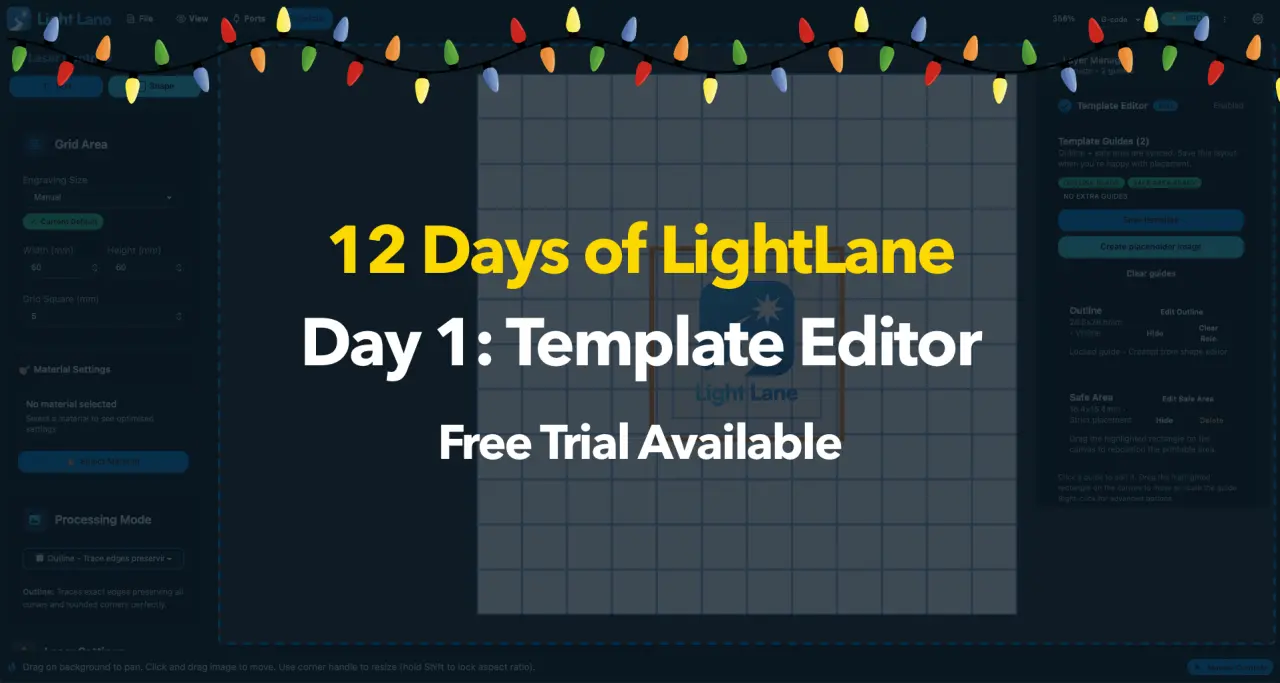
12 Days of Light Lane starts now
From 12 December to 24 December, we’re doing 12 Days of Light Lane.
That means a new Light Lane drop every day: features, workflow upgrades, and improvements that make engraving faster, cleaner, and more repeatable.
If you’re an early adopter, this is the best time to jump in because your feedback can directly shape what ships next.
Try Light Lane free
See Holiday Pricing
Day 1 drop: Template Manager + Template Editor
Today’s drop is a big one.
Light Lane now includes a full Template Manager and Template Editor, built to solve one of the biggest time-wasters in laser work:
You should not have to rebuild the same layout, sizing, and placement every time you run a repeat job.
Templates in Light Lane are designed for both fast repeat production and shareable workflows.
What is a Light Lane template?
A Light Lane template is a reusable layout that can include:
- Your engraving setup and job settings
- Image placement rules (where things go, how big they should be)
- Visual guides like outlines, placement marks, and safe bounds
- Exportable template files you can share with other people
The goal is simple: set it up once, use it forever.
What’s new in Template Manager
1) Create templates you can actually use in production
Instead of treating templates like “saved projects”, Light Lane templates are built around repeatability.
Set up a layout once, then reuse it across:
- Pet tags
- Keyrings
- Signs and plaques
- Product labels
- Photo engraves and repeat designs
- And more!
2) Visual outlines and safe bounds (for consistent placement)
The Template Editor lets you add visual guides that help you place designs correctly every time.
This includes:
- Outlines that show where an item should sit
- Safe bounds so designs do not accidentally clip or overflow
- Clear visual structure so you can work fast without guessing
These guides are designed to help you stay consistent, especially when you are doing batches or running production.
3) Export templates as files (share or distribute them)
Templates are no longer “stuck on your machine”.
You can export a template as a Light Lane template file and send it to someone else.
That means you can:
- Share templates with a friend or another workshop
- Standardise layouts across a team
- Package templates for repeat jobs
And yes, you could even distribute templates commercially if that fits your workflow.
We do not have the in-app marketplace live yet, but the file format and sharing flow are built so you can start using this immediately.
4) Bundle templates with physical products (a practical future use)
One of the most exciting workflows this unlocks is bundling templates with physical products.
Example:
You sell a blank product that is designed to be engraved (like a tag, label, or plaque).
Alongside it, you provide a Light Lane template file that places everything perfectly.
So the buyer can open the template, drop in their design, and run the job with correct placement and bounds from the start.
This turns “figuring out layout” into a single step.
Why this matters (even if you’re a power user)
Templates are not just for beginners.
If you engrave regularly, the real cost is not the engraving, it’s the setup time and mistakes:
- Rebuilding layouts
- Re-checking placement
- Fixing small alignment errors
- Repeating boring setup work that should be automatic
Template Manager is built to remove that friction.
It is about speed, consistency, and repeatable workflows.
How to use it (quick workflow)
- Create a new template in Light Lane
- Add your image bounds and placement guides
- Save and name it
- Export it if you want to share or distribute it
- Next time, open the template and drop in your design
You are back to engraving faster, with fewer steps.
Free trial is live
If you want to try Template Manager today, you can.
Get the free trial: /download
Holiday Pricing: /pricing
Holiday Pricing is available during the 12 Days campaign, and pricing will increase in the new year.
Help choose what ships next
Light Lane is still early, and we're using this 12 Days run to ship what real users actually want.
If you want to influence the next drops, send:
- Your laser and controller type (GRBL, Ruida, K40, etc)
- The most common thing you engrave
- The one workflow pain point you want solved
Contact us and we'll prioritise the most common requests.
What’s coming tomorrow (Day 2)
Day 2 ships tomorrow.
Follow the blog to keep up with each release during 12 Days of Light Lane.