
Blog
Blog
Product updates, workflow ideas, behind-the-scenes notes, and practical laser engraving content from the Light Lane team.
- What we are shipping, testing, and improving in the product.
- Workflow notes for engraving setups, materials, and production jobs.
- Honest behind-the-scenes updates as Light Lane grows.
Latest articles
Page 1 of 3. Showing 1 -6 of 13 posts.
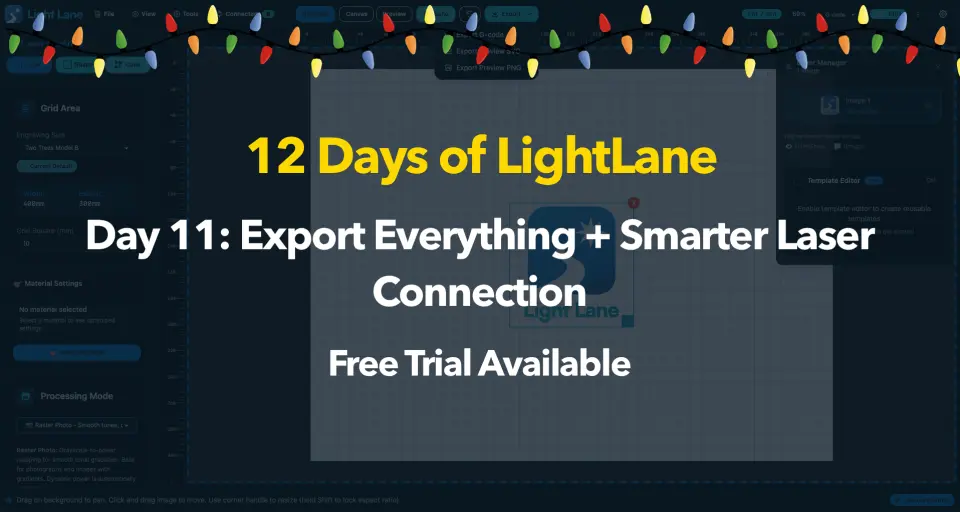
Day 11: Export + Auto-Connect in Light Lane
Export G-code, preview SVG, and preview PNG in one click, plus smarter laser auto-connect and device naming for smoother GRBL workflows.
Read more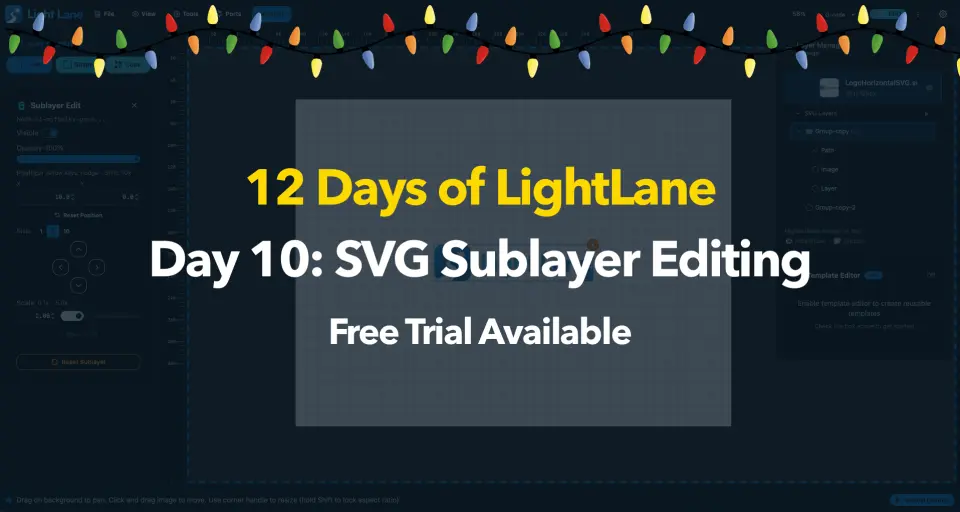
Edit SVG Sublayers in Light Lane (Position, Scale, Opacity)
Edit SVG sublayers fast: move with arrows or inputs, nudge with keys, scale shapes or text, tweak opacity and visibility, then reset anytime. Try free.
Read more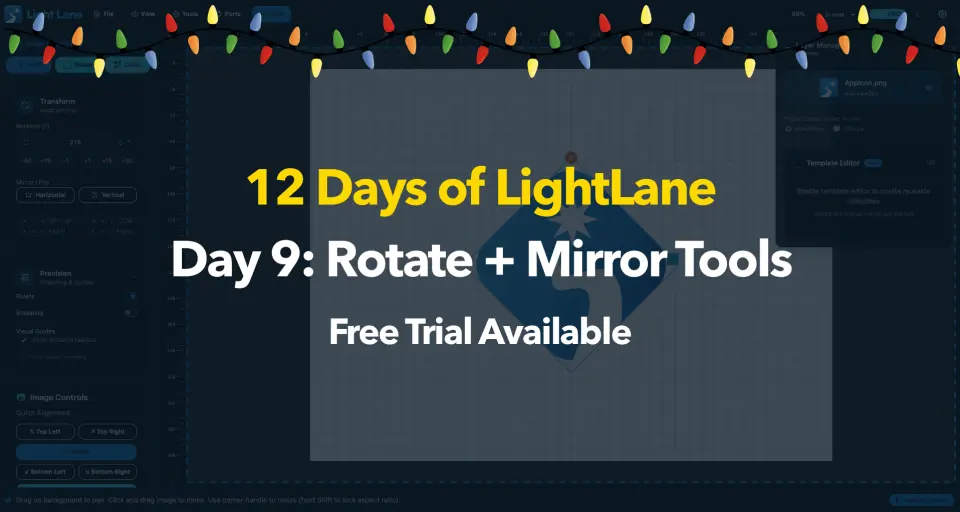
Rotate + Mirror Tools for Laser Engraving | Day 9
Rotate and mirror images instantly in Light Lane. Fix orientation, mirror, and use precise rotation controls plus shortcuts for faster engraving setup.
Read more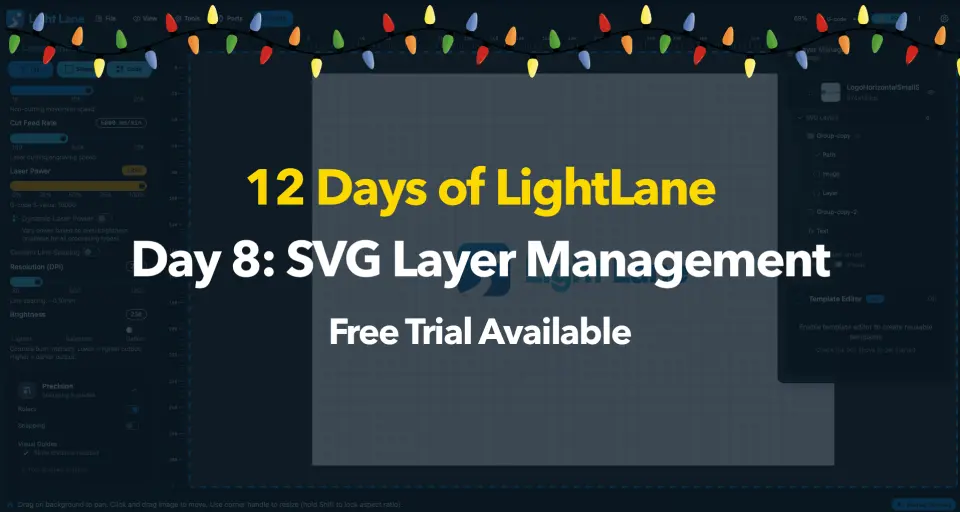
Day 8: SVG Layer Management in Light Lane
Expand any SVG into its internal layers, hide parts instantly, and prep cleaner engraving jobs. A huge step toward true per-layer control.
Read more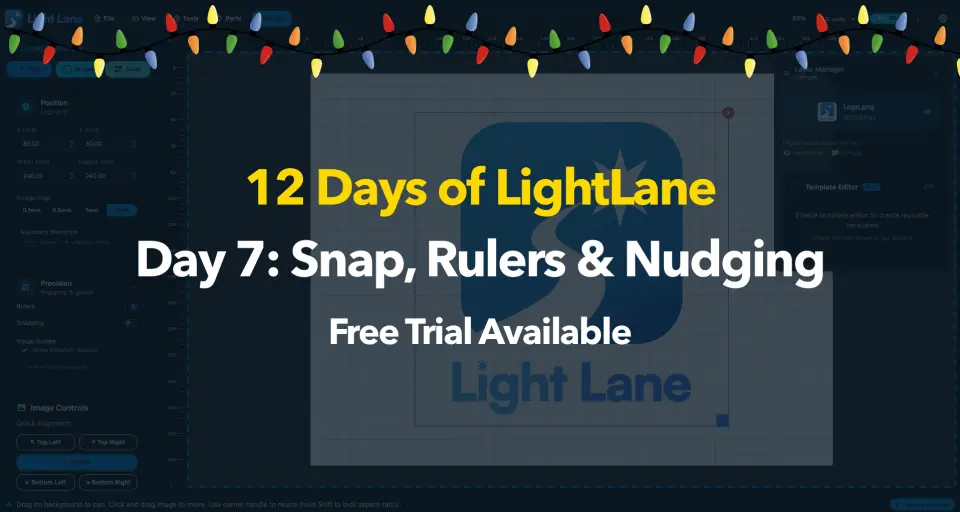
Precision Placement Tools for Laser Engraving | Light Lane
Place designs faster with rulers, snapping, keyboard nudge and live X/Y readout. Built for clean, accurate laser layout on every job.
Read morePut the workflow into practice
Install Light Lane, test it with your own files, and move from reading about better laser workflows to actually running them.