
Blog
Blog
Product updates, workflow ideas, behind-the-scenes notes, and practical laser engraving content from the Light Lane team.
- What we are shipping, testing, and improving in the product.
- Workflow notes for engraving setups, materials, and production jobs.
- Honest behind-the-scenes updates as Light Lane grows.
Latest articles
Page 2 of 3. Showing 7 -12 of 13 posts.
Step & Repeat + Grouping for Faster Laser Layouts
Create instant grids with Step & Repeat, then group and move duplicates as one. Faster batch engraving layouts, now in Light Lane. Try free.
Read more
Material Test Grid for Laser Engraving | Light Lane
Generate a power x speed test grid, preview it, run it, then click a square to apply the best settings instantly. Day 5 of 12 Days of Light Lane.
Read more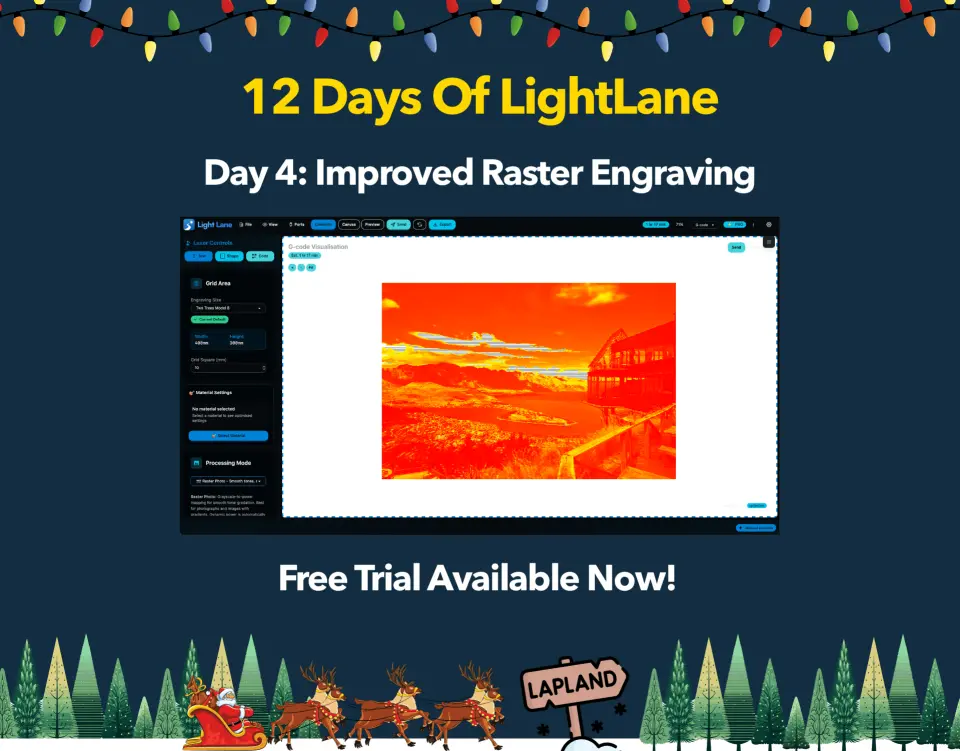
Improved Raster Engraving in Light Lane (Day 4)
Day 4: new Raster Photo + Raster Detail modes, dynamic power, and a faster heatmap preview. Get cleaner photos and sharper fine detail.
Read more
Day 3: QR Code and Barcode Generator (Vector)
Day 3 of 12 Days of Light Lane: generate QR codes and barcodes (Code128, EAN13, UPC-A, Code39, ITF-14) as vectors. Start laser engraving now. Free trial.
Read more
Day 2: Image Editor for Better Raster Engraves
Day 2 of 12 Days of Light Lane: tune raster images with brightness, contrast, highlights, shadows, saturation and gamma for cleaner engraves. Free trial.
Read more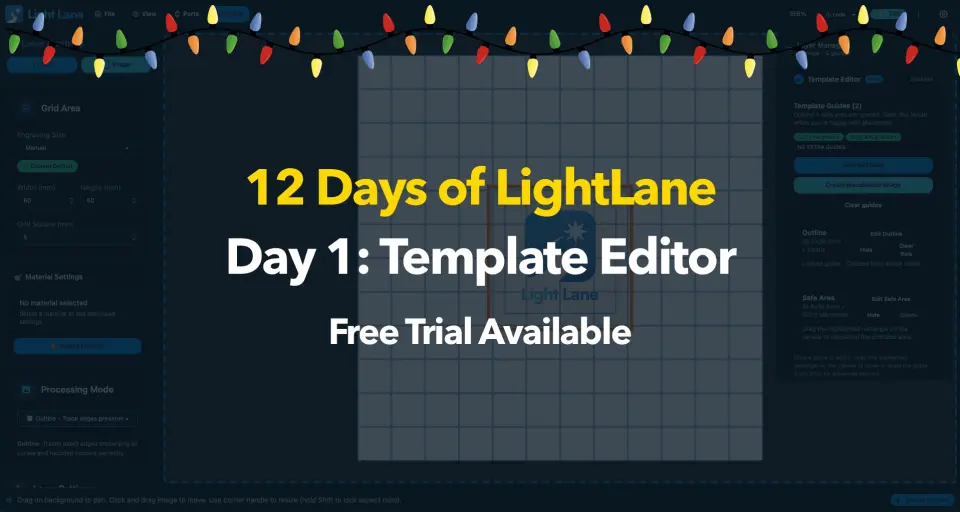
Template Editor + Manager for Laser Engraving | Light Lane
Create reusable laser engraving templates with safe bounds, visual outlines, and exportable template files. Share or distribute workflows. Free trial.
Read morePut the workflow into practice
Install Light Lane, test it with your own files, and move from reading about better laser workflows to actually running them.